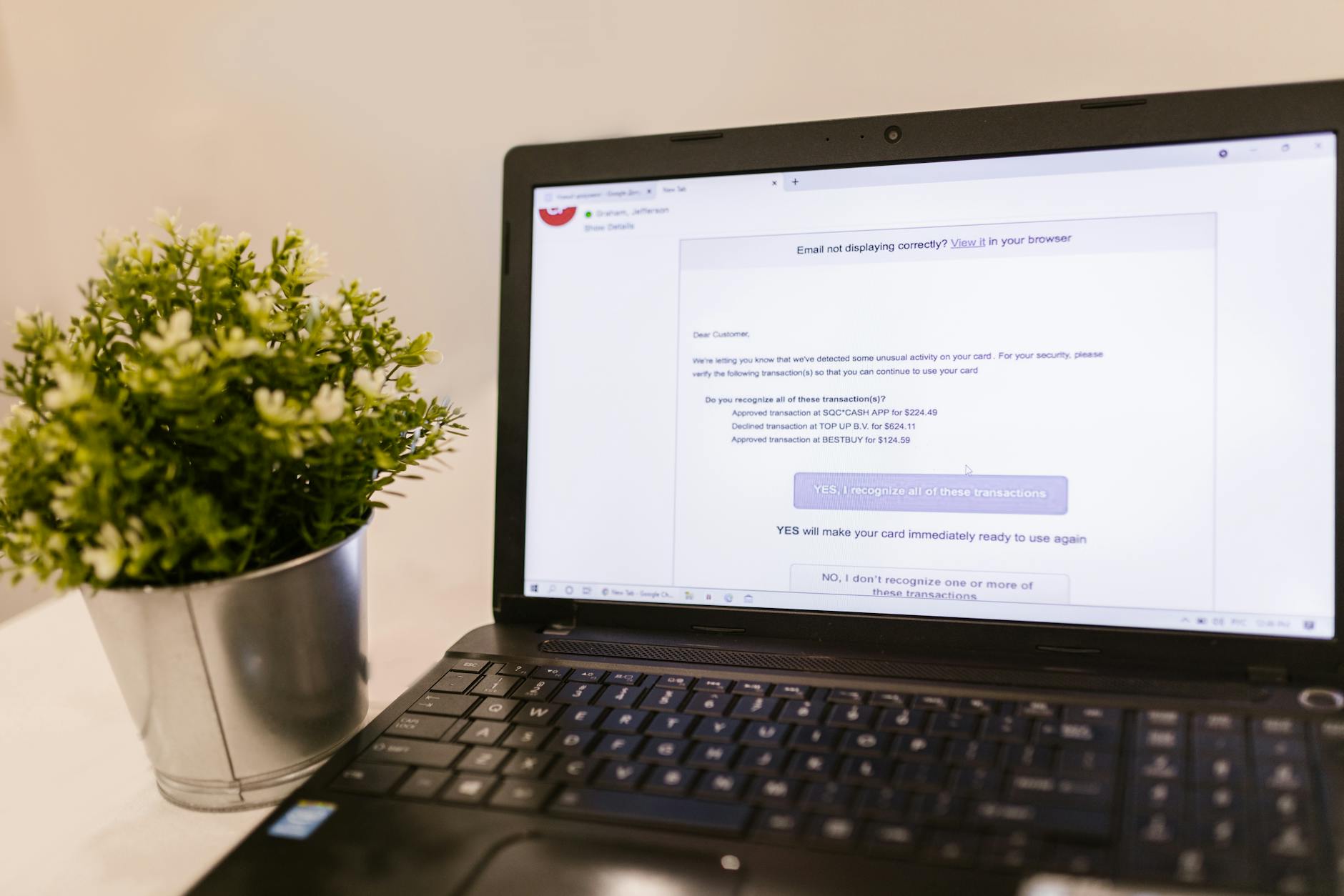
Why RescueFill Emails Are Not Sending (And How to Diagnose the Problem)
You installed RescueFill, set up your forms, and configured your first recovery sequence. But the emails never went out. You check your inbox — nothing. Your abandoned leads are still abandoned, and your recovery rate is zero.
This is one of the most common frustrations with RescueFill, and it’s almost never a bug in the plugin itself. The issue usually lives in your email delivery setup, server configuration, or cron scheduling. Let’s walk through exactly what’s happening and how to fix it.
First, understand how RescueFill sends emails. The plugin uses WordPress’s native wp_mail() function by default. If your server isn’t configured to send emails reliably — and most shared hosts aren’t — your recovery emails will silently fail. The good news? RescueFill Pro integrates directly with Brevo and SendGrid, which solve this at the root.
But even with those integrations, there are common pitfalls. Let’s look at the seven most frequent causes and exactly how to fix each one.
Immersa Builder | The Ultimate Guided WordPress Theme with Built-In AI Content Tools
Immersa Builder is the most guided WordPress starter theme designed to get your website live in minutes, not weeks. Featuring a foolproof 9-step setup wizard, professionally crafted starter sites, and…
1. Your Server Is Blocking Outbound Emails
This is the #1 reason RescueFill emails don’t arrive. Many shared hosting providers (Bluehost, HostGator, GoDaddy) block port 25 or have strict email sending limits. When you use wp_mail(), your server tries to send directly from its own IP, which often lands in spam or gets rejected entirely.
How to test it: Install a plugin like WP Mail SMTP or Easy WP SMTP. Configure it with a transactional email service like SendGrid, Brevo, or Amazon SES. Then send a test email from the plugin’s settings page.
The fix: If the test email fails, your server is the bottleneck. The permanent solution is to switch RescueFill to a dedicated email provider. RescueFill Pro includes native Brevo and SendGrid integrations that bypass wp_mail() entirely. Go to RescueFill → Settings → Email Provider, select Brevo or SendGrid, and enter your API key. That’s it — your emails now route through a professional delivery service with 99%+ inbox rates.
2. Your Cron Jobs Are Not Running
RescueFill relies on WordPress’s built-in cron system to trigger scheduled emails. If your server’s cron isn’t firing, your sequences will never execute. This happens more often than you’d think, especially on sites with low traffic or aggressive caching.
How to test it: Check if your WordPress cron is working by visiting yourdomain.com/wp-cron.php?doing_wp_cron=1 in your browser. If you see a blank page, cron is running. If you get a 404 or timeout, it’s not.
The fix: The most reliable approach is to set up a real server cron job. In your hosting control panel (cPanel, Plesk, or server terminal), add a cron job that runs every 5 minutes and calls this URL:
wget -q -O - https://yourdomain.com/wp-cron.php?doing_wp_cron=1 >/dev/null 2>&1Replace yourdomain.com with your actual domain. This ensures cron fires reliably regardless of site traffic. After setting it up, test by creating a test lead and waiting for the sequence to trigger.
3. Your Email Provider API Key Is Invalid or Expired
If you’re using RescueFill Pro with Brevo or SendGrid, an invalid or expired API key will silently prevent emails from sending. You won’t see an error on the dashboard unless you check the delivery logs.
How to test it: Go to RescueFill → Settings → Email Provider. Look for a green “Connected” status next to your provider. If it shows “Disconnected” or “Error,” your key is the problem.
The fix: Generate a fresh API key from your Brevo or SendGrid dashboard. In Brevo, go to your account settings → API Keys. In SendGrid, go to Settings → API Keys. Copy the new key, paste it into RescueFill’s settings, and save. Then send a test email from the same settings page to confirm delivery.
4. Your Email Sequence Timing Is Too Aggressive
RescueFill sequences default to a 1-hour, 24-hour, 3-day cadence. If you’ve customized the delays to be very short (e.g., 5 minutes between emails), some email providers may throttle or block your messages. Brevo and SendGrid both have rate limits on free or low-tier plans.
How to test it: Check your email provider’s dashboard for delivery logs. Look for “rate limited” or “throttled” statuses. If you see those, your timing is too aggressive.
The fix: Increase the delay between emails. In RescueFill, edit your sequence and set the first email to go out after 1 hour, the second after 24 hours, and the third after 3 days. This is the sweet spot for recovery — it gives leads time to return without being pushy. Also ensure you’re not sending more than 10-12 emails per hour from a single Brevo or SendGrid account on their free plans.
5. Your Recovery Links Are Broken or Blocked
RescueFill sends recovery links that pre-fill abandoned forms. If your form page URL has changed, or if a security plugin is blocking the pre-fill parameters, the link will fail silently — and the lead won’t convert.
How to test it: Open one of the recovery links from a test email. Does it take you to a pre-filled form? If you see a blank form or an error page, the link is broken.
The fix: Make sure your form page URL hasn’t changed since you created the funnel. If it has, update the funnel’s target URL in RescueFill → Funnels. Also check your security plugin (Wordfence, Sucuri, etc.) — some block URL parameters containing rf_ or recovery. Add an exception for ?rf_* parameters in your security plugin’s allowlist.
6. Your SMTP Settings Are Misconfigured
If you’re using the free version of RescueFill with WordPress SMTP, your SMTP settings might be wrong. Common mistakes include incorrect port numbers, authentication credentials, or encryption types.
How to test it: Use an SMTP testing tool like SMTPer or the test email feature in your SMTP plugin. If the test fails, your settings are off.
The fix: Double-check your SMTP credentials with your email provider. For Gmail SMTP, use port 587 with TLS. For SendGrid SMTP, use port 587 with TLS and your API key as the password. For Brevo SMTP, use port 587 with TLS and your SMTP key. Once corrected, save and test again. If you’re still stuck, consider upgrading to RescueFill Pro for the native Brevo/SendGrid integration — it eliminates SMTP configuration entirely.
7. Your Lead Status Is Incorrectly Marked as “Recovered”
RescueFill only sends recovery emails to leads with an “Abandoned” status. If a lead was accidentally marked as “Recovered” or “Submitted” (e.g., by a manual action or a webhook), the email sequence won’t trigger for that lead.
How to test it: Go to RescueFill → Leads. Find the lead that should have received an email. Check their status. If it shows “Recovered” or “Submitted” instead of “Abandoned,” that’s the problem.
The fix: You can manually change a lead’s status back to “Abandoned” from the lead detail modal. But to prevent this from recurring, check your webhook configurations. If you have a webhook that automatically marks leads as recovered on form submission, make sure it’s only firing after the form is actually submitted — not on partial data capture. Also review any automation rules in RescueFill → Settings → Advanced that might be auto-assigning statuses.
How to Prevent Email Delivery Issues Long-Term
Once you’ve fixed the immediate problem, take these steps to ensure your RescueFill emails keep flowing:
- Monitor your email provider dashboard weekly. Brevo and SendGrid both offer delivery analytics. Watch for bounce rates above 2% or spam complaints above 0.1%.
- Set up a server cron job. As mentioned in fix #2, a real cron job is far more reliable than WordPress’s pseudo-cron. Most hosts make this easy in cPanel.
- Keep your RescueFill plugin updated. We release updates regularly to fix edge cases and improve delivery reliability. Always run the latest version.
- Use RescueFill Pro’s built-in email providers. The free version relies on your server’s mail function, which is unreliable. Pro’s Brevo and SendGrid integrations are purpose-built for transactional email and include delivery logs, retry logic, and HMAC-signed webhooks.
- Test your funnel monthly. Create a test lead, wait for the sequence to fire, and verify the email arrives. This catches issues before they cost you real revenue.
Still Having Issues? Here’s What to Do Next
If you’ve gone through all seven fixes and RescueFill still isn’t sending emails, there’s one more thing to check: your hosting provider’s outbound email policy. Some hosts (like SiteGround and WP Engine) block all outbound email by default unless you use their own SMTP service. Contact your host’s support team and ask them to unblock outbound email on port 587 or 465.
If you’re on the free version of RescueFill, upgrading to RescueFill Pro is the single most effective fix. Pro includes native Brevo and SendGrid integrations that bypass your server’s mail function entirely, plus a full webhook engine, A/B testing, and advanced analytics. You get 99%+ inbox delivery rates and detailed delivery logs so you always know exactly what’s happening with your emails.
Don’t let email delivery issues kill your lead recovery. Fix the problem today and start turning those abandoned forms into paying customers.