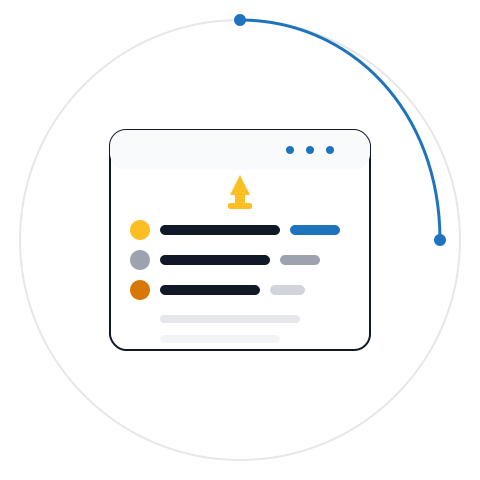





BackupFlow captures a pristine, complete snapshot of your entire WordPress ecosystem, packaging both your file infrastructure and structural database into a single, portable ZIP archive. This serves as the ultimate insurance policy before major updates, migrations, or client handovers.
BackupFlow allows you to easily upload any compatible BackupFlow ZIP archive directly through your WordPress admin dashboard. This feature simplifies moving sites between environments or deploying saved fallback checkpoints without needing to use external file managers or manual database tools.

Launch a complete website recovery with a single click right from your WordPress dashboard. BackupFlow automates the entire process, guiding you through an optional safety backup, file extraction, and database import while providing transparent, live progress logs at every step.
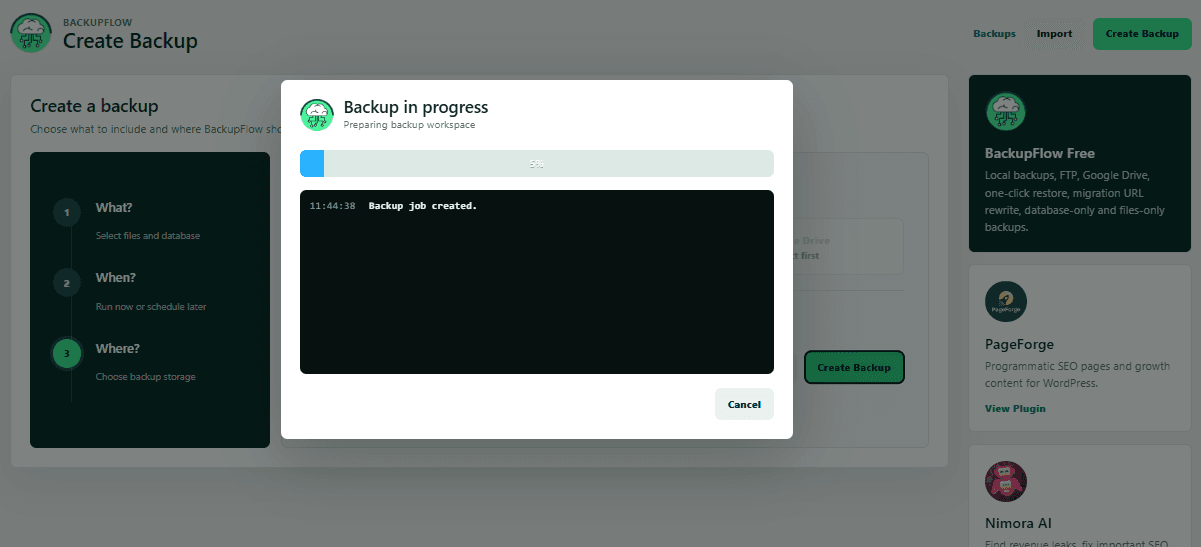
Eliminate the guesswork of site maintenance with real-time status updates right inside your WordPress admin dashboard. BackupFlow displays an active, transparent view of your backup or restore job—including file scanning, ZIP packaging, and database splits—accompanied by live progress logs so you always know exactly what is happening under the hood.

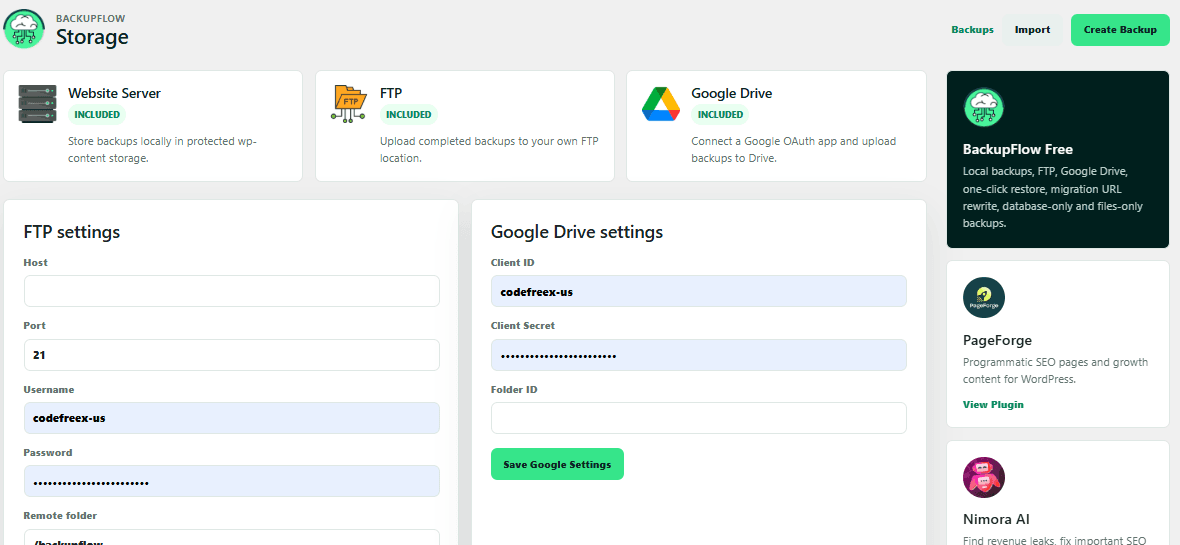
Easily configure and manage where your backups live through a centralized settings panel. Choose to store archives directly on your local server for rapid recovery, or safely route them to secure off-site targets like a private FTP directory or your personal Google Drive account via secure OAuth authentication.

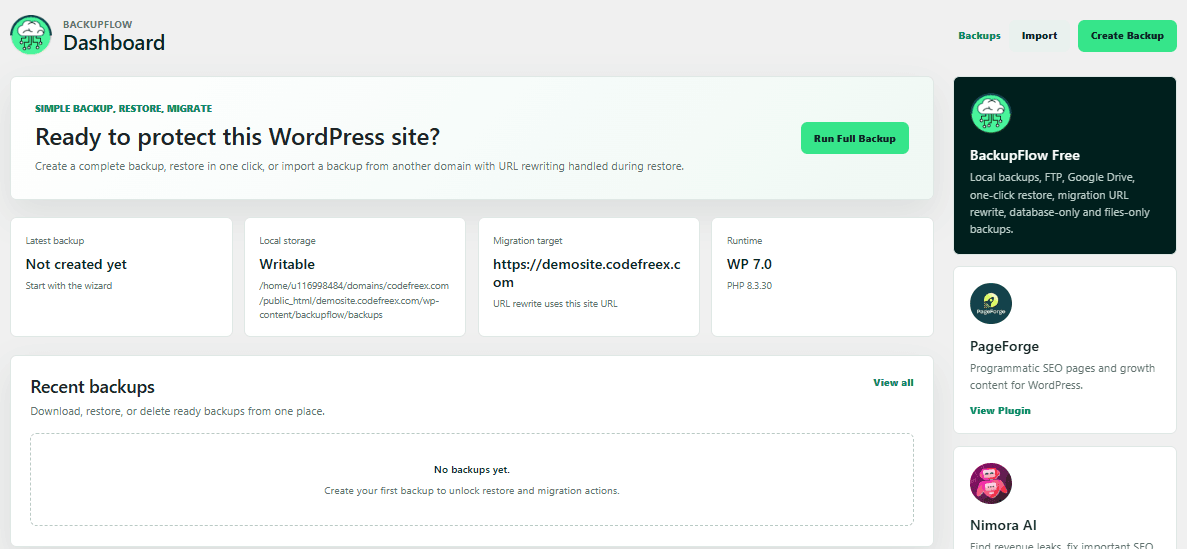
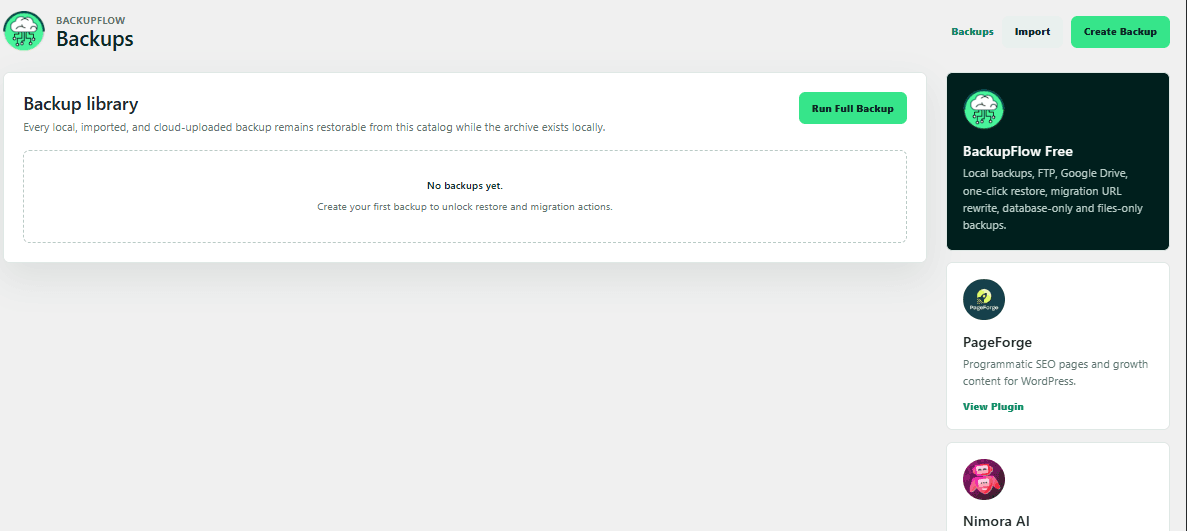
BackupFlow replaces complex dashboards with a streamlined, minimalist workspace directly inside your WordPress admin area. It keeps essential backup configurations, library views, and migration options completely clear and visible, allowing you to secure your website with zero unnecessary distractions.

Maintain total control over your disk space by deleting old or redundant archives with a single click. BackupFlow lets you safely purge individual local snapshots from your database library instantly, preventing server clutter and optimization lag without risking active live site data.

Download your complete website archives directly to your personal computer with a single click. BackupFlow generates a secure, unified ZIP file containing your entire file infrastructure and database, giving you immediate local ownership of your snapshots for offline storage, testing, or quick client handovers.
A modern, fast, and clutter-free admin workspace lives directly inside your WordPress dashboard. Navigate between your backup libraries, storage targets, live execution states, and restoration configurations all from a single clean interface. The clean layout ensures that backup management doesn't feel like rocket science, giving freelancers, agencies, and store owners immediate control over their site's safety with an easy-to-understand post-activation welcome wizard.
Protect your website exactly the way you need without wasting server space or processing power. Choose from full website backups capturing everything down to media and plugins, database-only snapshots for a quick checkpoint before content or WooCommerce changes, or files-only archives when the database is stable but your layout assets are changing. This flexible approach lets you deploy precise safety nets before pushing risky core or theme updates.
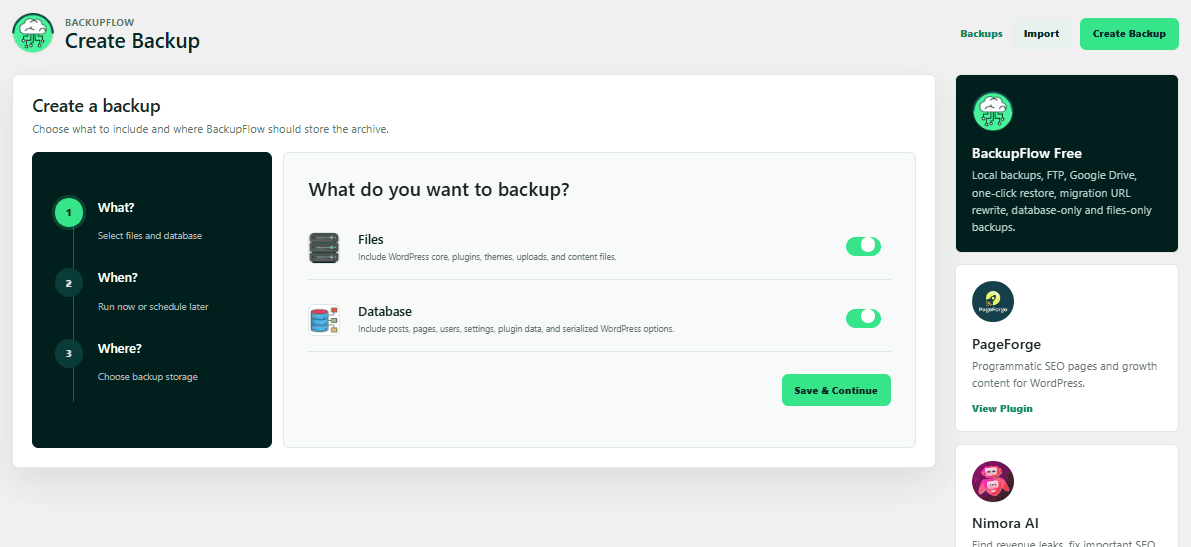
Storing backups on the same server as your live website leaves you vulnerable if the server crashes or gets compromised. BackupFlow includes native support for secure cloud off-site storage, allowing you to automatically upload completed ZIP archives directly to your personal Google Drive account using secure OAuth credentials (Client ID, Secret, and Refresh Tokens). Additionally, it supports flexible connection to external backup servers or alternative hosting spaces via custom FTP configurations.
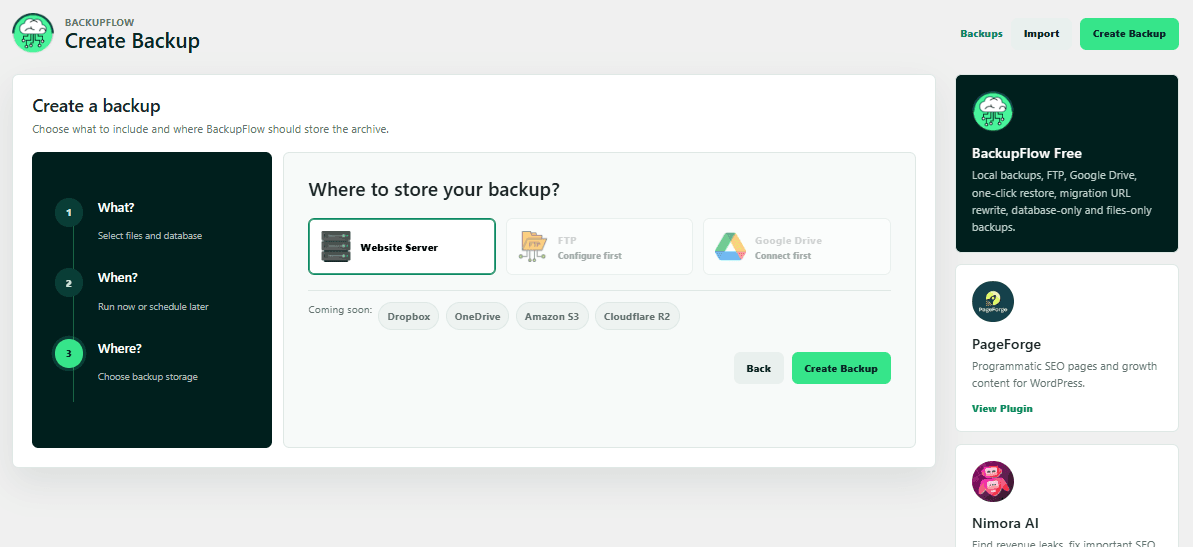
Never guess whether your restoration is frozen or successfully running. BackupFlow replaces ambiguous loading bars with an interactive, live-updating progress modal that shows the precise step your operation is on. The plugin splits activities into transparent milestones—including restoration job preparation, optional safety checkpoints, incremental file extraction, and final asset verification—complete with downloadable, downloadable real-time logs for complete control.
Built to serve freelancers and development agencies working across international borders, BackupFlow comes out of the box with fully translated configurations and a robust template structure (.pot files). The core admin user interface shifts dynamically based on your site's active locale and includes native, pre-compiled language support for English (US & UK), French, German, Spanish, and Brazilian Portuguese, making client handovers smooth around the world.
Migrating a WordPress site from local to live or staging to production can instantly break page builder layouts due to complex serialized data structures. BackupFlow features a powerful serialized-aware database rewriter that automatically adapts source URLs to match your current site path. It updates raw database rows, widget strings, media paths, and element arrays smoothly during the migration process without any manual database querying.
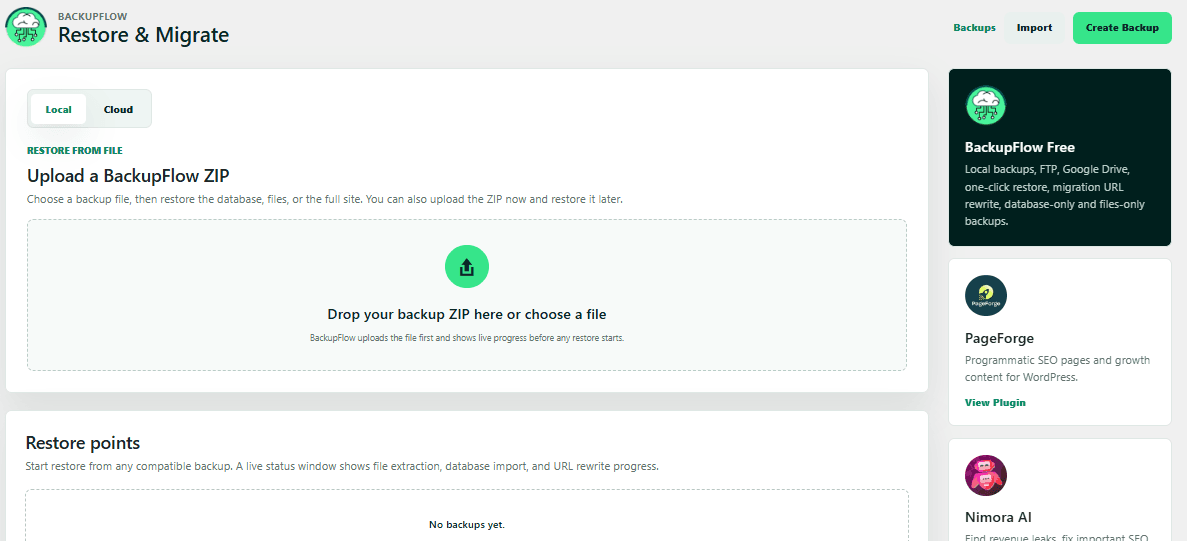
Manually updating hardcoded links, image paths, and internal redirects after moving a site can take hours and often leads to broken assets. BackupFlow automates this entire process during the restoration phase by instantly identifying your backup's original source domain and mapping it perfectly to your current destination URL.
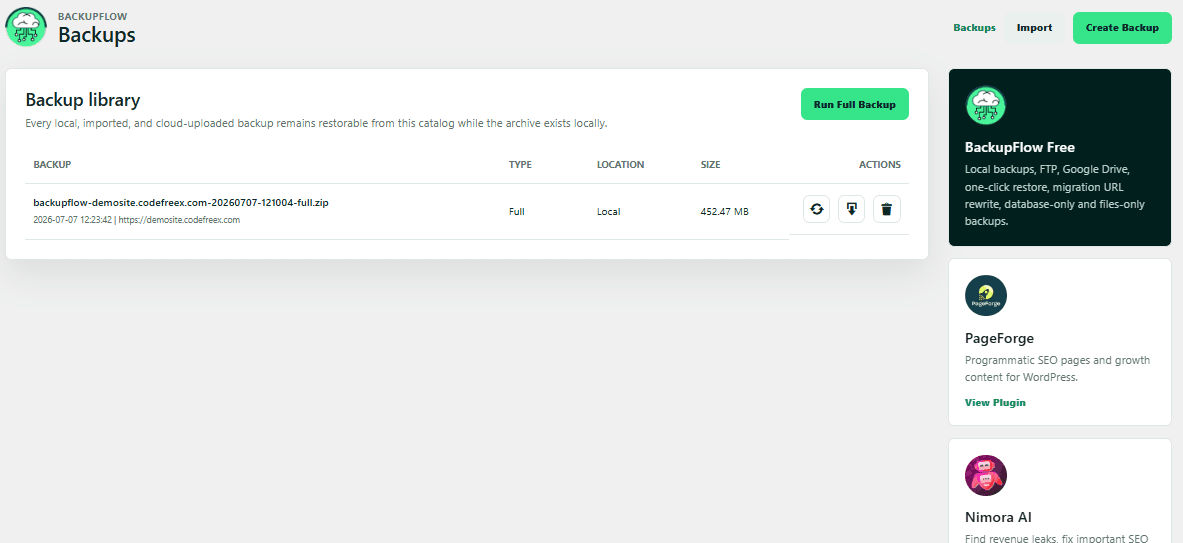
Managing backups shouldn't feel like navigating a complex maze. BackupFlow replaces bloated, overwhelming setting screens with a beautifully streamlined, minimalist workspace built directly into your WordPress core admin area. By stripping away intrusive up-sells, confusing multi-nested configurations, and unnecessary interface noise, it keeps your library snapshots, local/cloud storage destinations, and one-click recovery paths perfectly organized and accessible.