




Create hundreds of unique pages in seconds using our optimized bulk generation engine. Built to handle scale without slowing down your site or server.
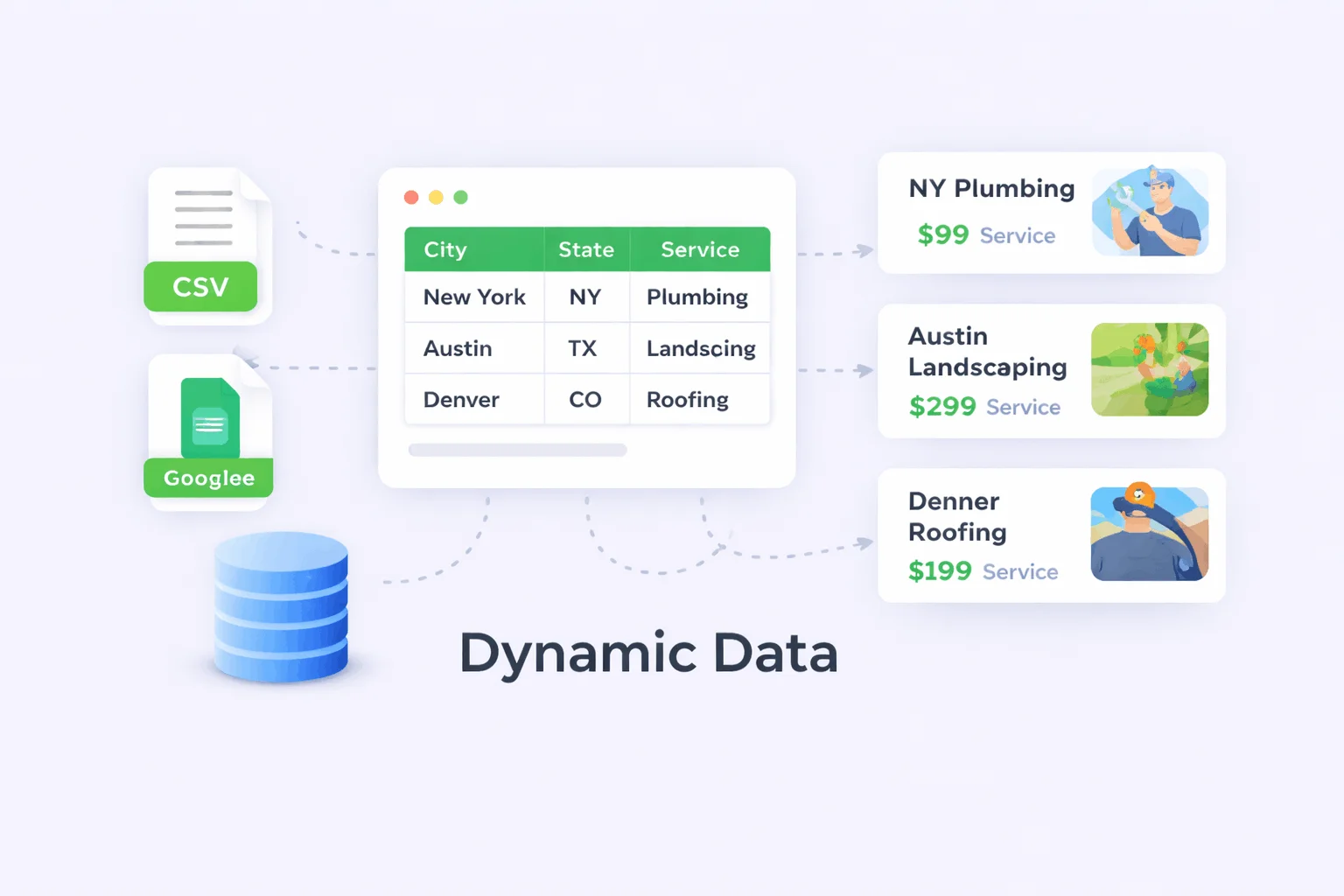
Connect CSV files, Google Sheets, or structured data sources to auto-populate pages. Update data once and generate thousands of pages without manual edits.

Perfect for local SEO campaigns across cities, states, or countries. Dominate local search results with geo-targeted landing pages at scale.
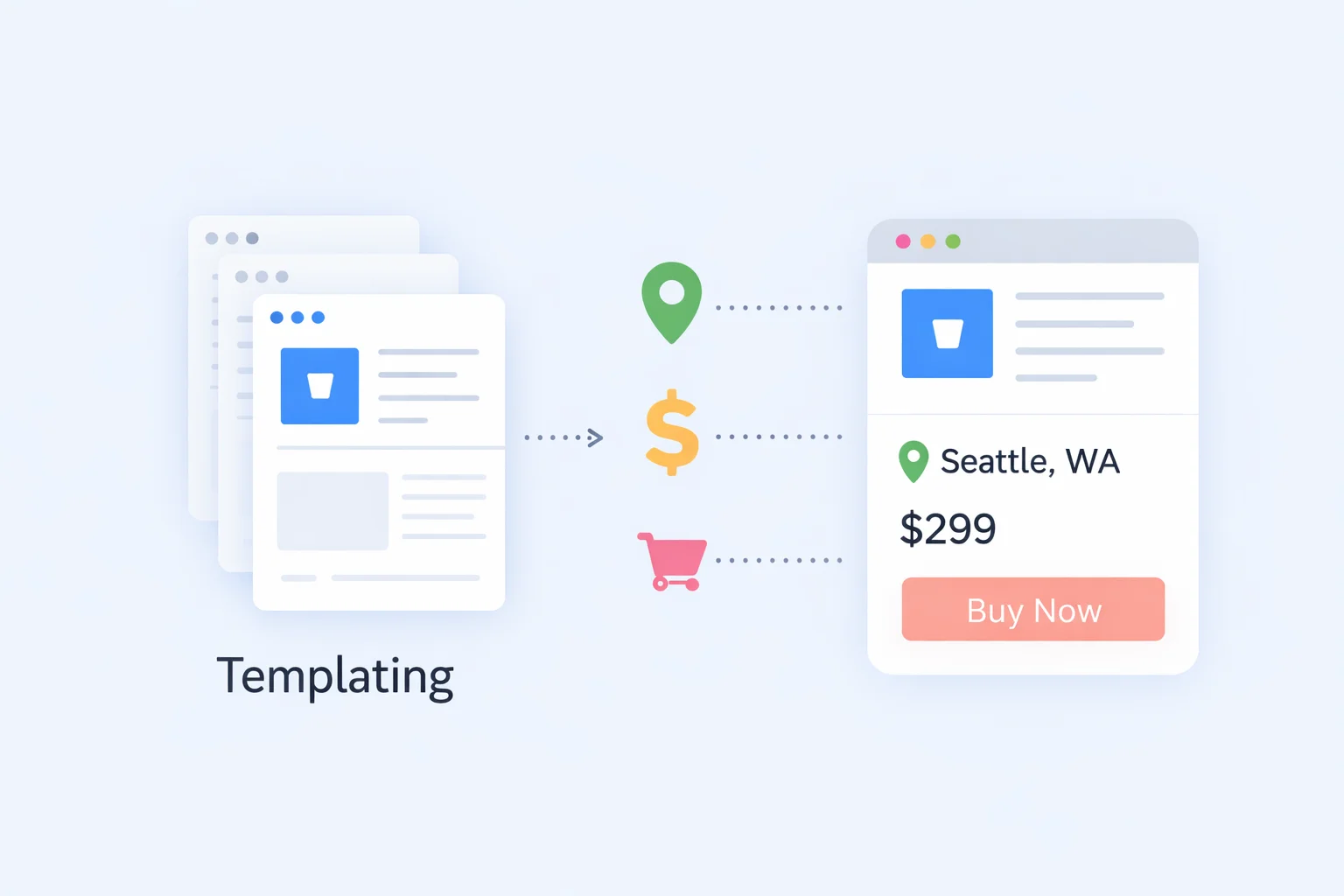
Create reusable templates with dynamic placeholders that adapt to your data. Design once, reuse forever, without breaking layout consistency.

Generate unique, SEO-optimized content automatically for every page. Reduce content costs while maintaining quality, relevance, and originality.

Built-in SEO tools including meta tags, schema markup, and clean URLs. Designed to rank from day one without relying on third-party tools.

Automatically generate compelling SEO titles and meta descriptions. Improve click-through rates and search visibility across hundreds of pages.
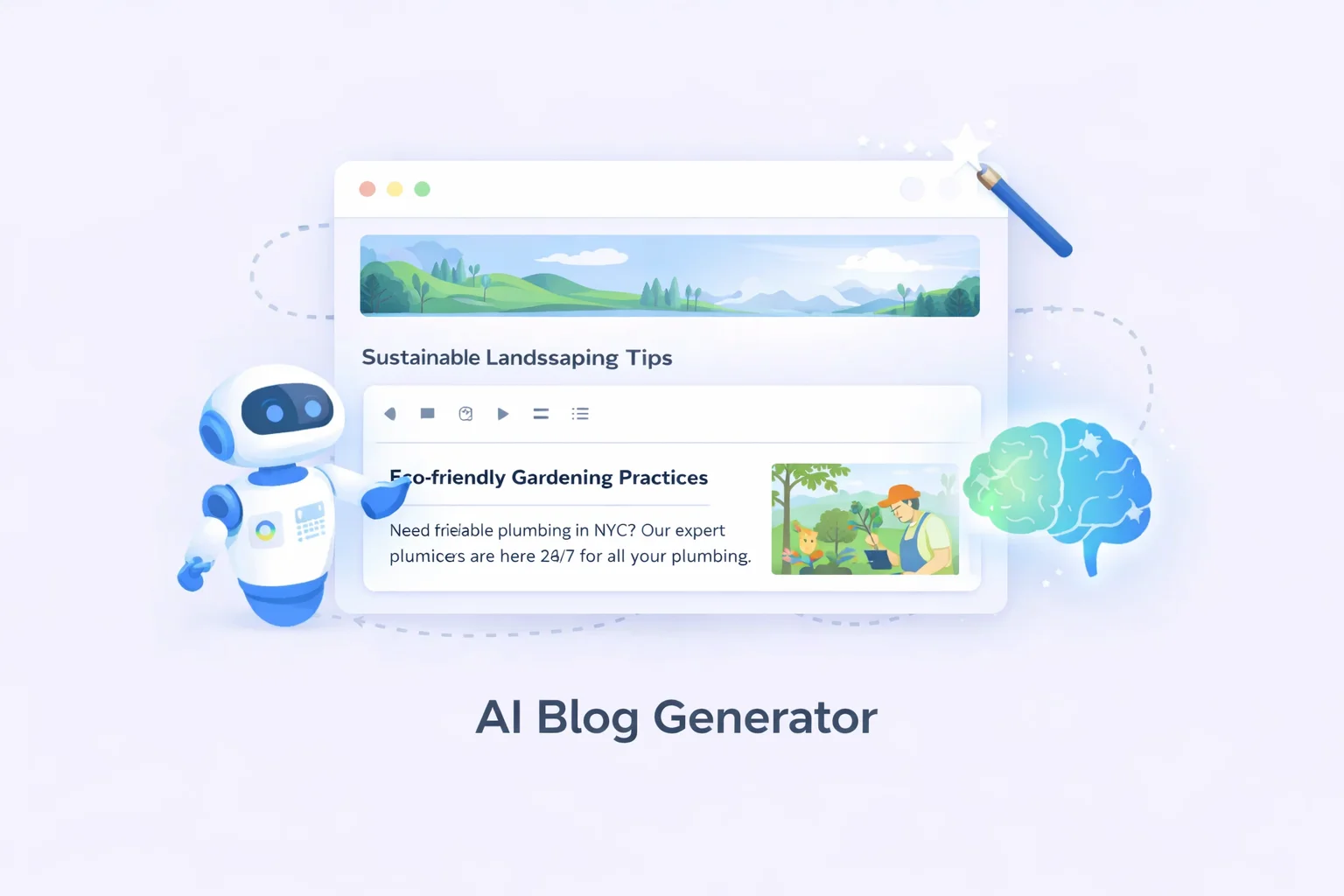
Create long-form, structured HTML blog posts with one click. Perfect for scaling content marketing without hiring large writing teams.

Works seamlessly with Elementor, Gutenberg, Divi, Beaver Builder, and more. Keep your existing design workflow—no need to rebuild layouts.

Generate pages for posts, pages, products, or custom post types. Ideal for advanced SEO structures, directories, and niche sites.

Safely generate thousands of pages using scheduled background processing. Avoid server overloads and deploy large SEO campaigns smoothly.

Automatically detects and prevents duplicate URLs and slugs. Protects your site structure and avoids SEO penalties.

Track events and performance with GA4 integration. Understand what’s working and optimize your SEO strategy with data.

Automatically inject Schema.org JSON-LD for services and products. Increase eligibility for rich results and enhanced SERP visibility.

Use dynamic shortcodes inside content, widgets, and templates. Ensures real-time data replacement without hardcoding values.
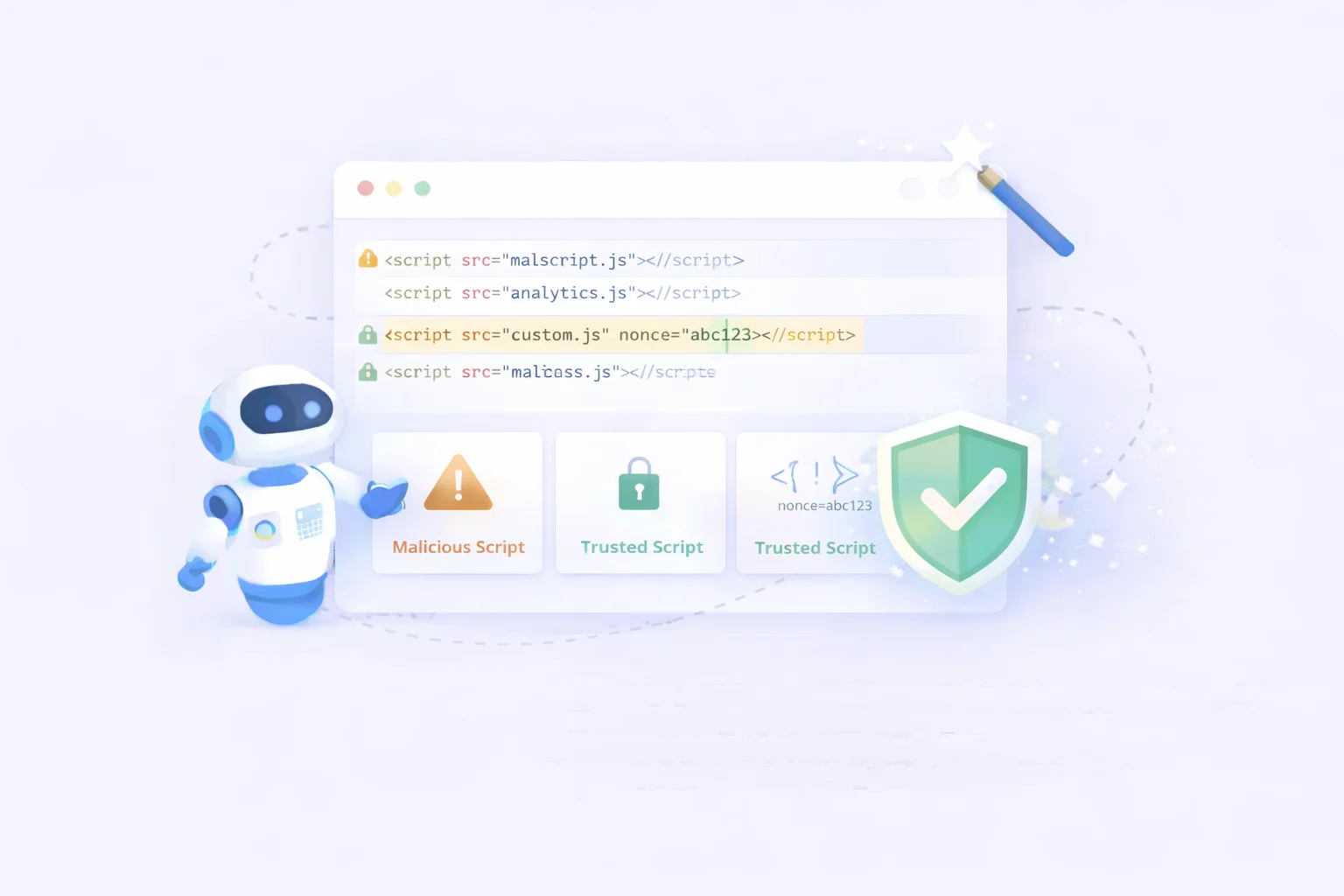
Add global or per-page scripts safely without editing theme files. Perfect for analytics, tracking pixels, and custom integrations.

Built to support thousands—even millions—of pages reliably. Whether you’re a solo founder or an enterprise agency, PageForge scales with you.

Easily add custom HTML code to your site’s header and footer to enable tracking, analytics, and third-party integrations without modifying core files or disrupting your website structure.
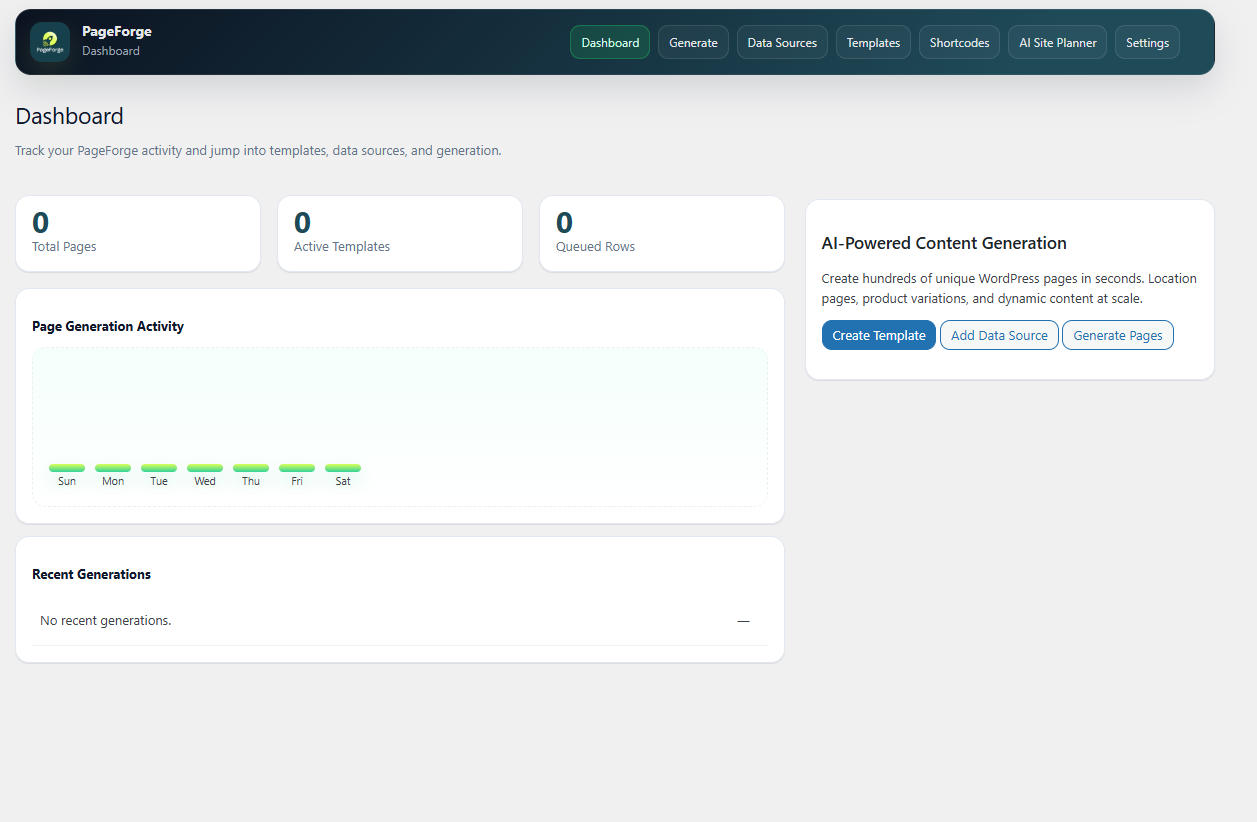
Dashboard gives you a complete overview of your PageForge activity at a glance. From the moment you log in, you can see everything that matters, including your recent pages, performance stats, active campaigns, and any updates or notifications, all in one centralized place. No need to dig through multiple sections just to get a quick snapshot of how things are running. The Dashboard is designed to keep you informed and in control, so you can make faster decisions and stay on top of your workflow without any hassle.
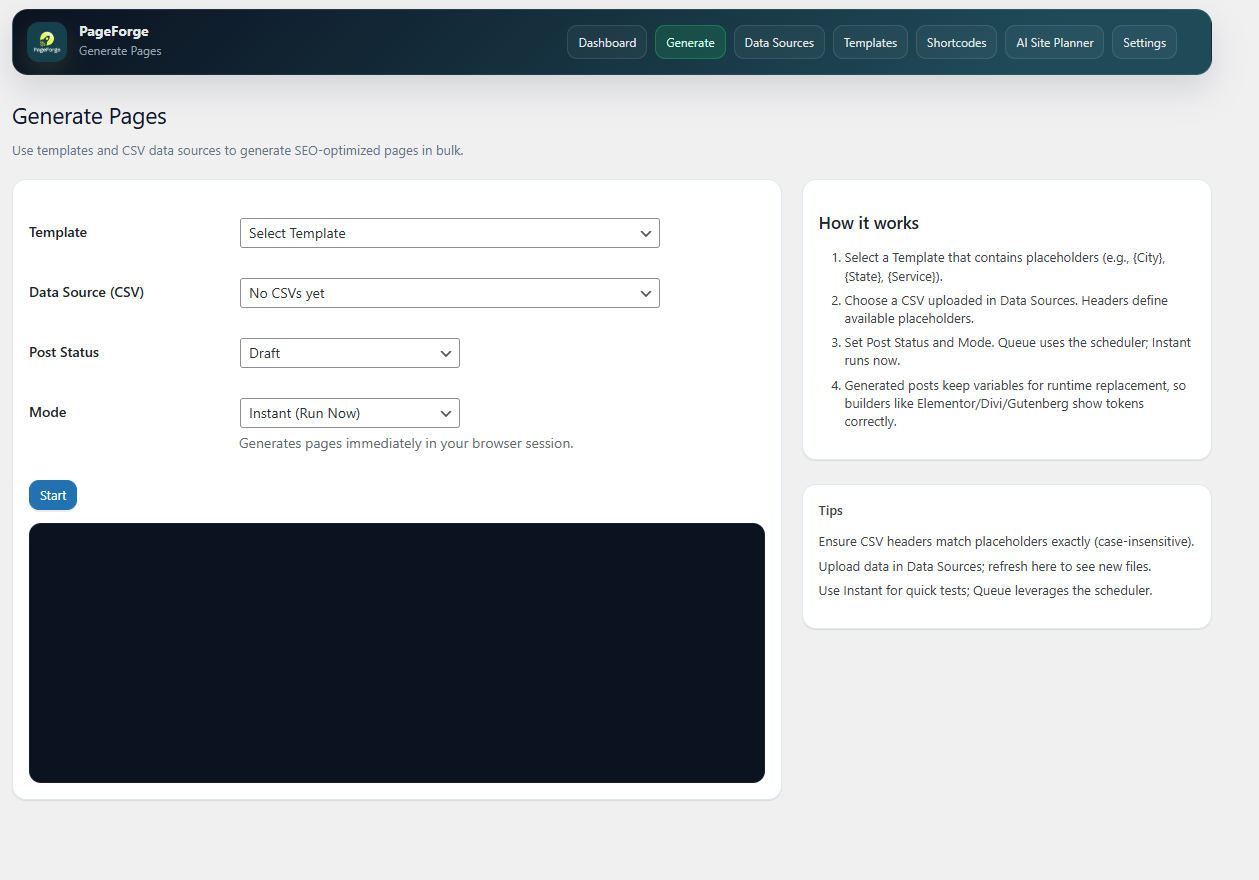
Generate is where the action happens. This is where you run your page generation jobs and bring your content to life. Simply set up your job, define your parameters, and let PageForge handle the rest. Whether you are generating a single page or running bulk jobs for multiple pages at once, the Generate section makes the whole process fast, straightforward, and hassle-free. Once your job is submitted, you can track its progress and get your pages ready to publish in no time.
Data Sources is where you manage all your external data connections in one place. Whether you are pulling data from a CSV file or syncing directly from a Google Sheet, this section lets you connect, update, and organize your data sources with ease. Once your data is connected, PageForge uses it to power your page generation jobs, ensuring every page is populated with accurate and up to date information. Keeping your data sources well managed means smoother jobs, fewer errors, and pages that always reflect the right content.
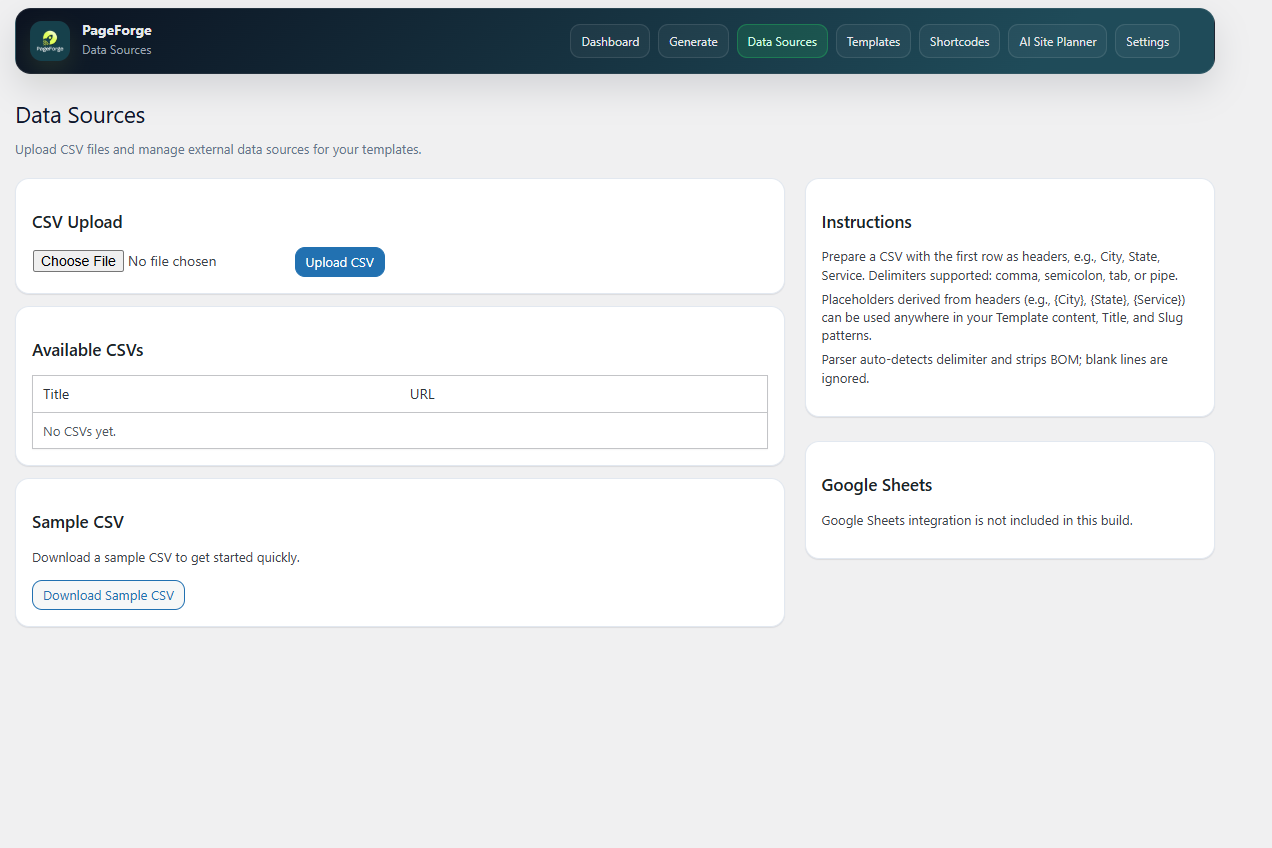
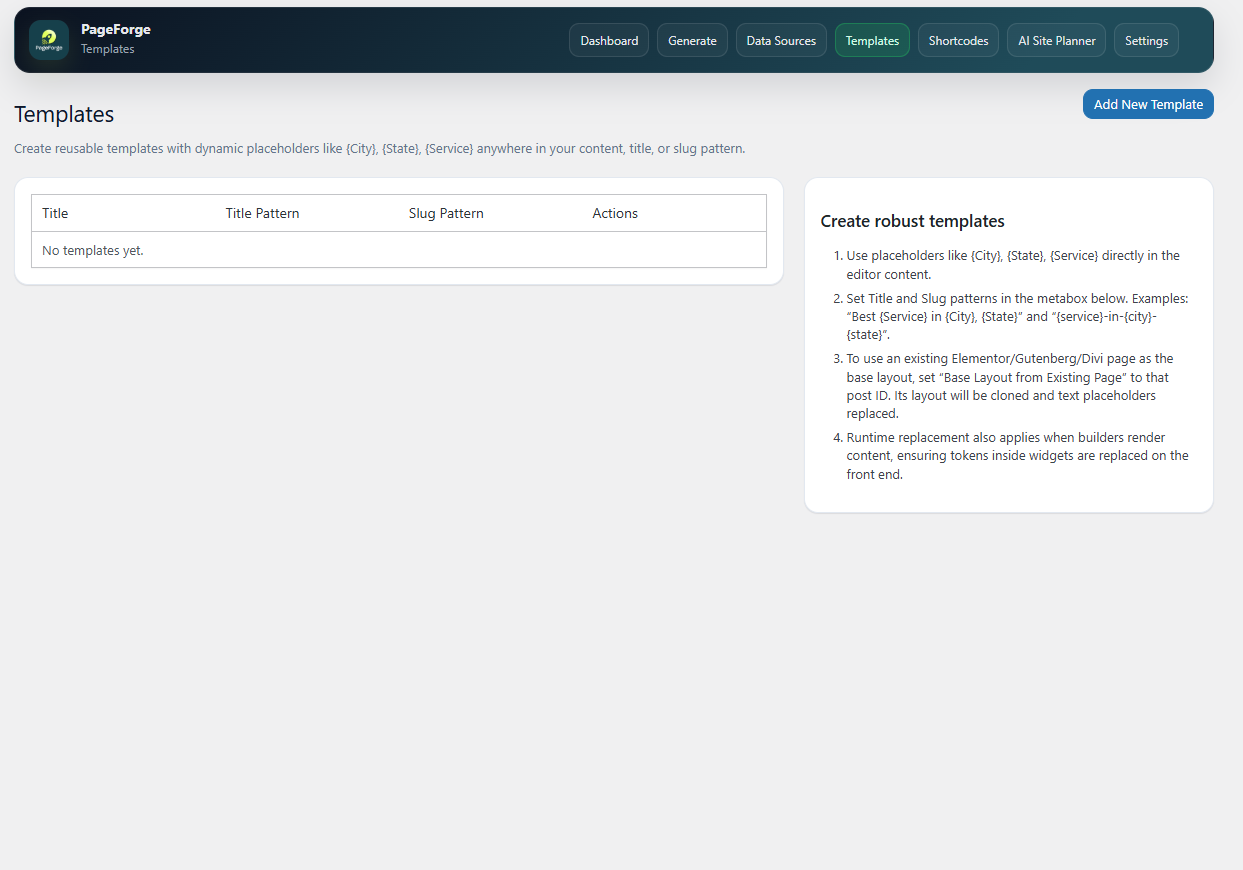
Templates is where you build the foundation for all your pages. This is where you create and edit your page templates, giving you full control over the structure, layout, and design of every page PageForge generates. Whether you are starting from scratch or refining an existing template, this section makes it easy to customize things exactly the way you want. A well built template means consistent, professional looking pages every time your generation job runs, saving you time and effort in the long run.
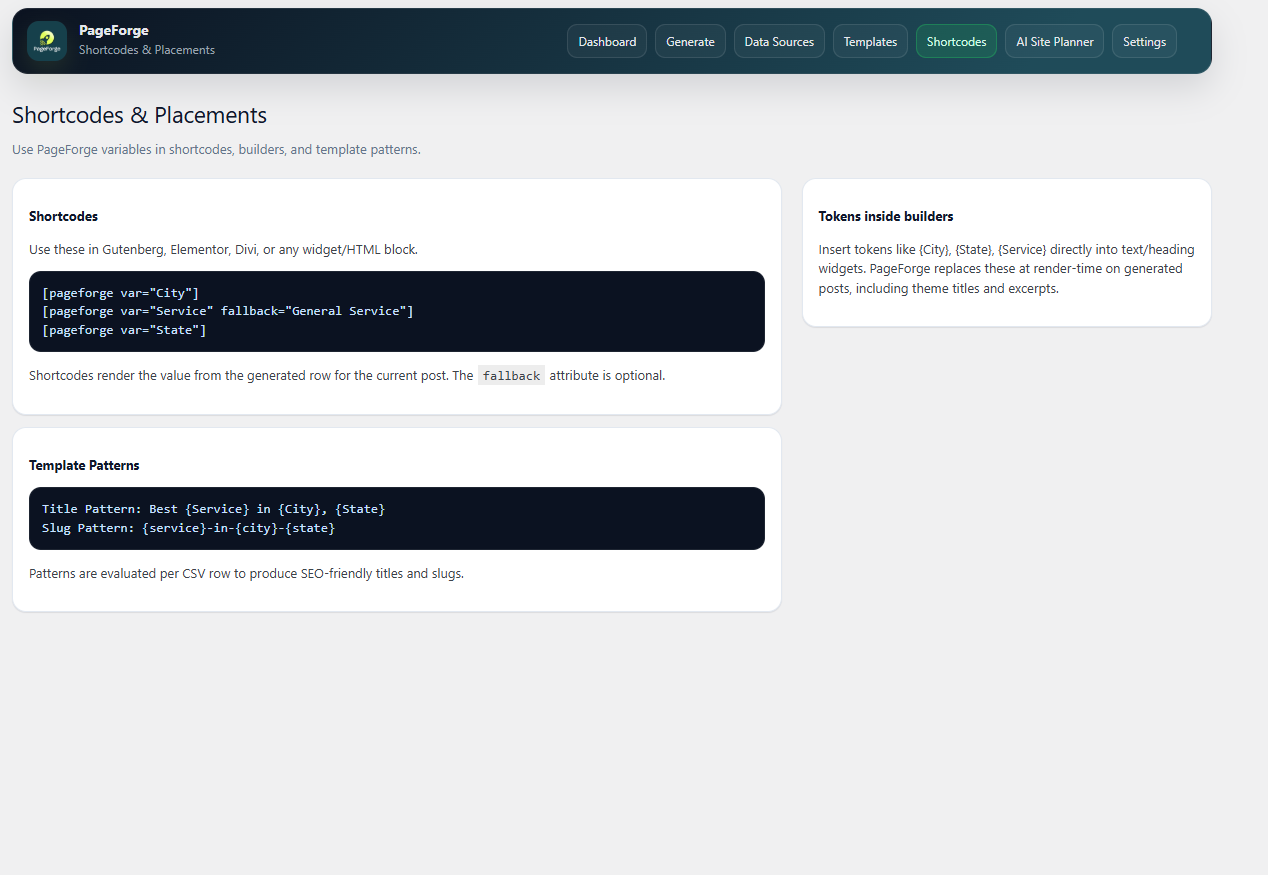
Shortcodes is where you manage all your reusable shortcodes in one place. Instead of rewriting the same content or dynamic elements over and over again, you can create a shortcode once and drop it into any template whenever you need it. Whether it is a recurring call to action, a dynamic field, or a custom content block, shortcodes make your templates cleaner, smarter, and much easier to maintain. Any update you make to a shortcode automatically reflects everywhere it is used, keeping everything consistent across all your pages.
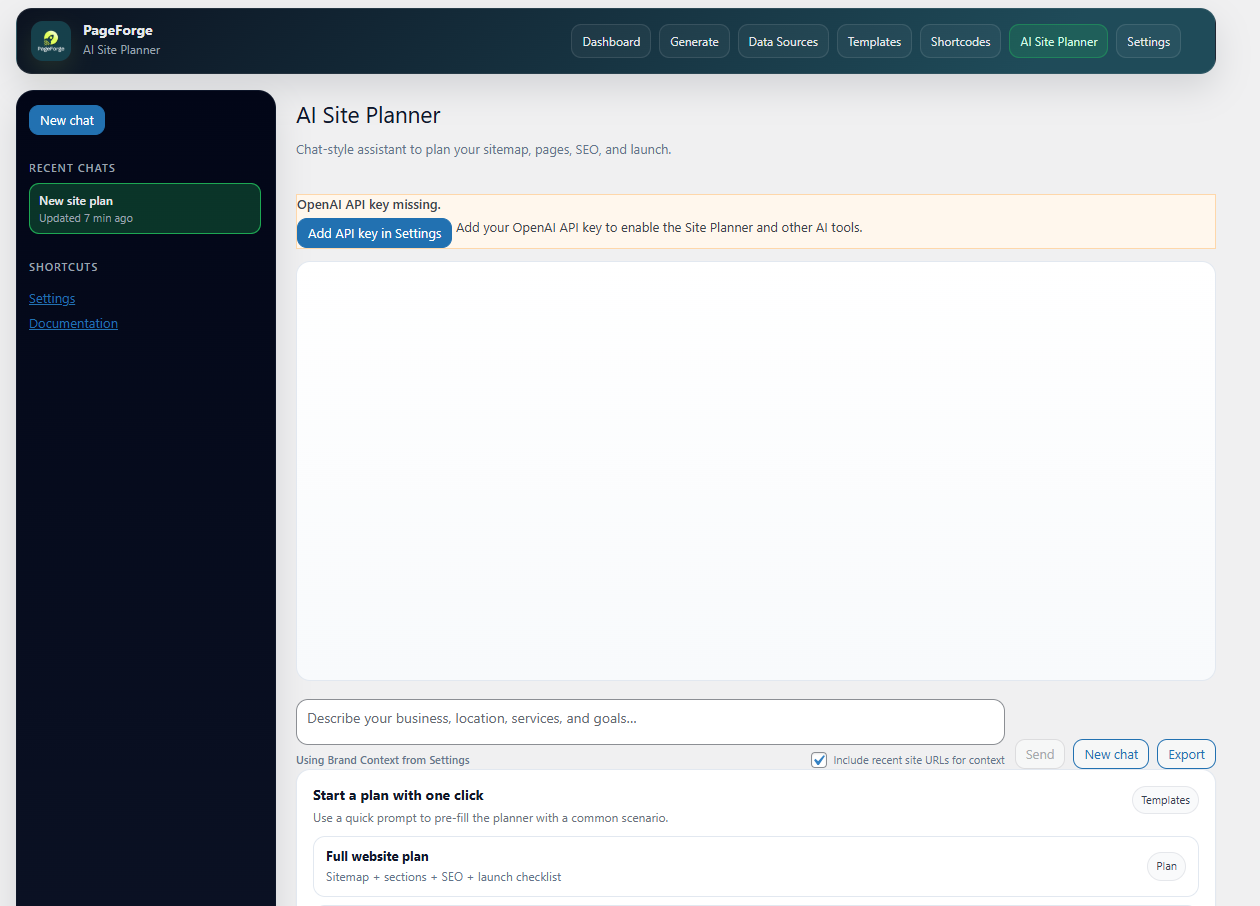
AI Site Planner is where smart site building begins. Simply describe what your site is about and let PageForge do the heavy lifting. The AI Site Planner helps you map out your entire site structure, suggesting the right pages, hierarchy, and content flow based on your goals. Whether you are building a simple landing page setup or a full multi-page website, the AI takes the guesswork out of planning and gives you a solid, well organized structure to work from. It is like having a strategy session built right into your workflow.
Settings is where you keep everything running smoothly behind the scenes. This is where you configure your plugin settings, manage your license, and fine tune PageForge to work exactly the way you need it to. From connecting integrations to adjusting default preferences, the Settings section gives you full control over how the plugin behaves across your entire workflow. It is the one place you visit to get everything set up right from the start and come back to whenever something needs updating.